Misc. work
Commutemate
Concept project: calm commuting
- Graphic Designer
- UX/UI Designer
- Researcher
Problem analysis
Commutemate would address the clear stress a commuter feels when dealing with the common, unpredictable issues and delays that come with urban travel, whether by public or private transport.
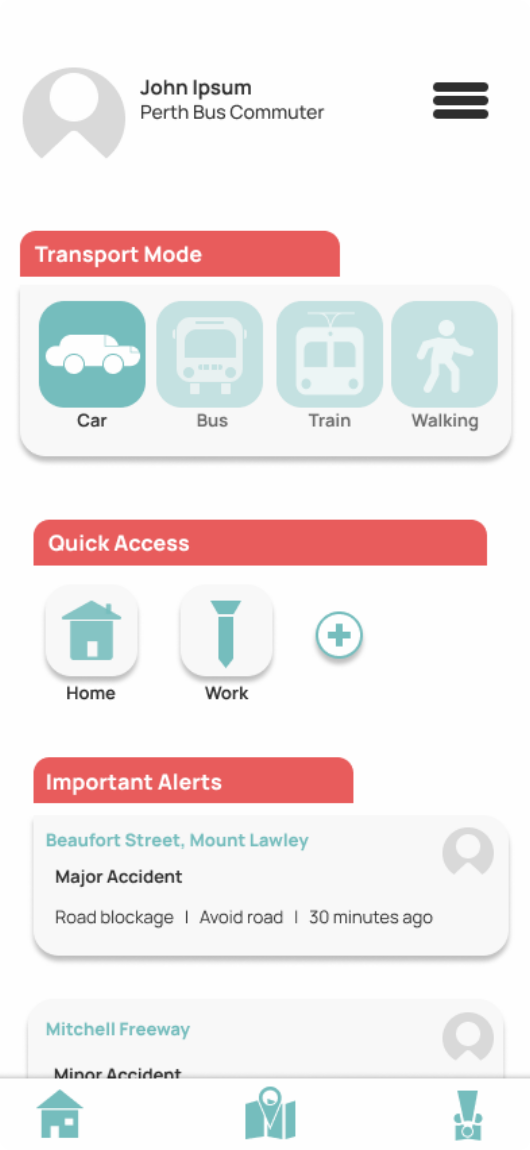
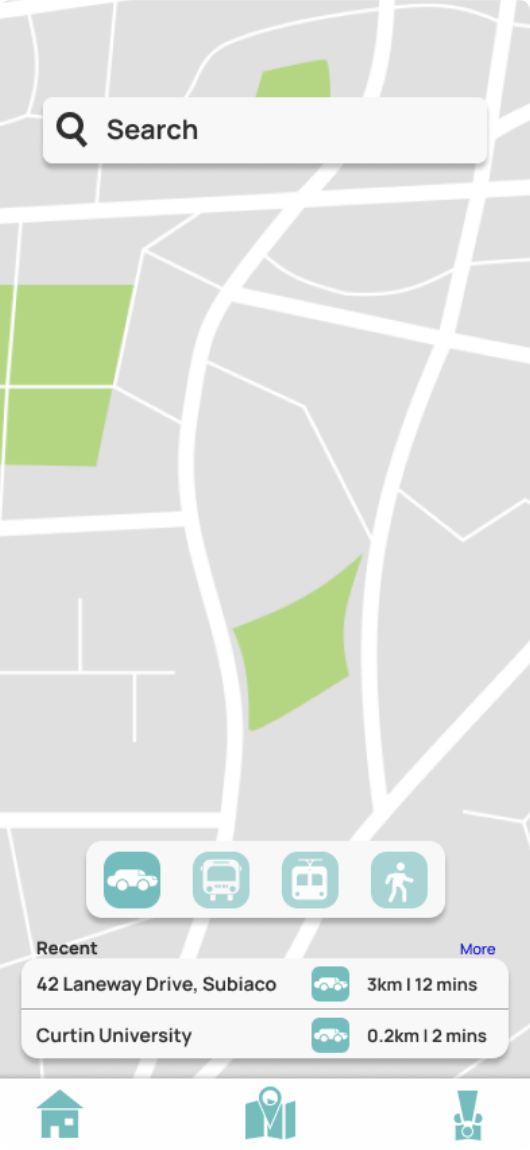
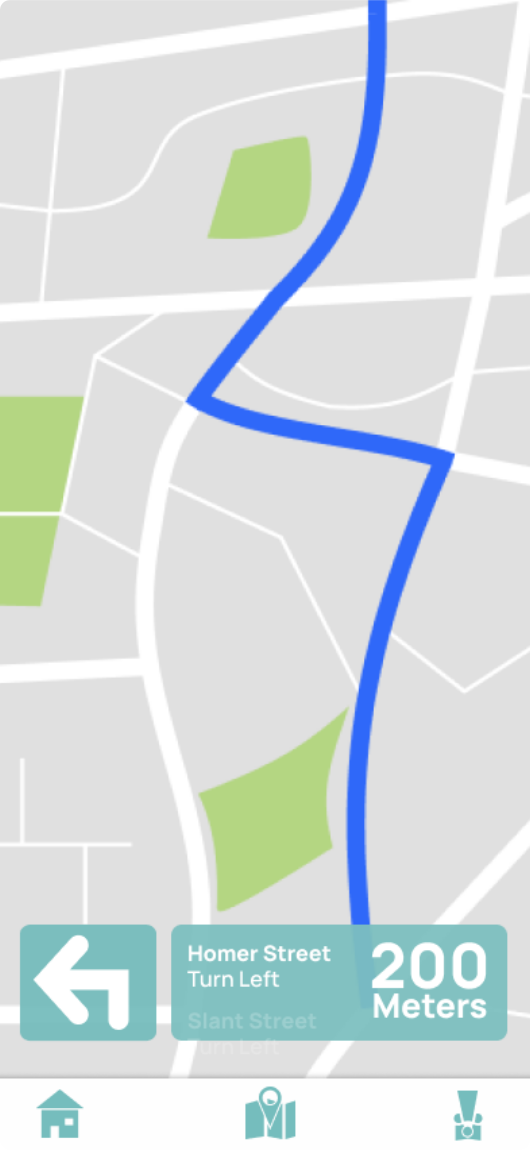
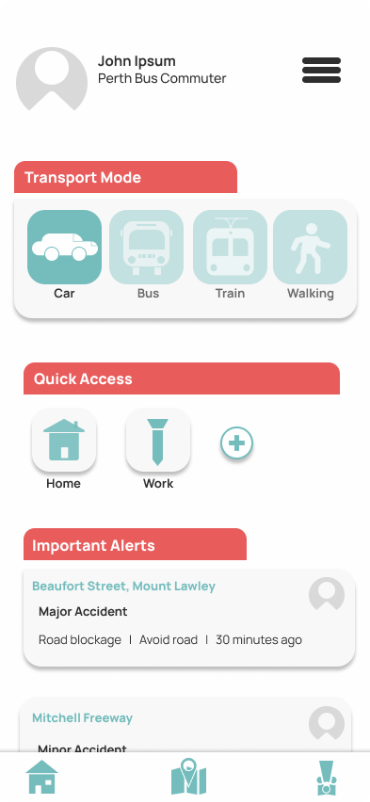
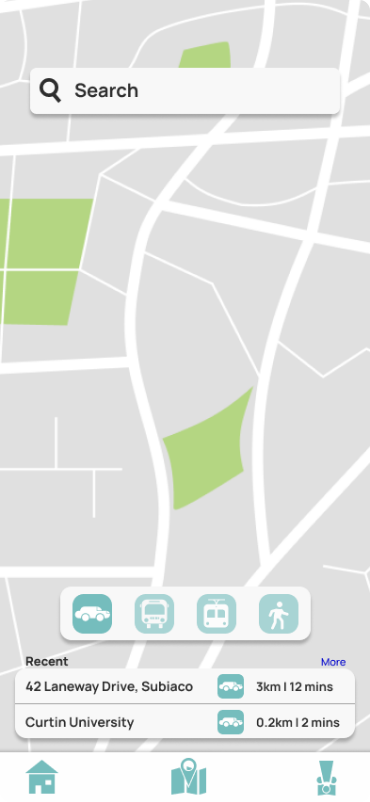
The design must emphasise reducing stress. Because of this, the design should be simple and spaced out, with each element having a clear and important function.
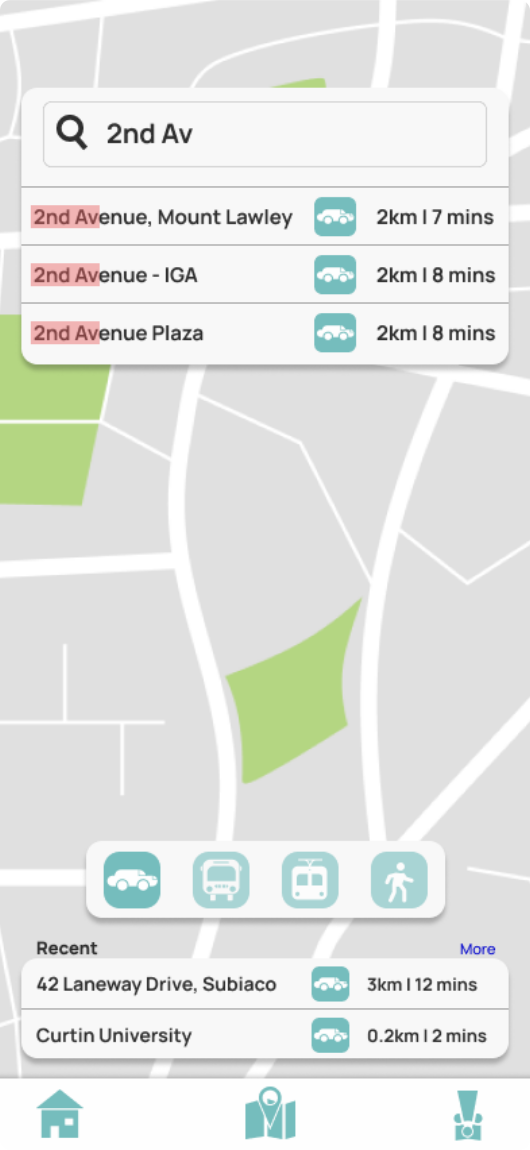
The app would most likely be used when the user has limited time to gather the necessary information; therefore, a successful UX would be a quick, easy-to-understand flow.
- Reduce stress
- Simple
- Clear
- Time efficient
Competition
| Competitor | Primary Function | Usability | Functionality | Strengths | Weaknesses |
|---|---|---|---|---|---|
 Transperth |
To provide details on public transport and route users | Poor | Good |
|
|
 Apple Maps |
To route users to their desired location quickly | Excellent | Good |
|
|
 Waze |
To route users to their desired location quickly | Good | Excellent |
|
|
Scale: Horrible > Poor > Average > Good > Excellent
Survey quickfindings
https://www.surveymonkey.com/results/SM-4avdPSIlC9iD_2BMZnjZRVQQ_3D_3D/
- Almost all younger demographics use digital applications to navigate around their city.
- The bus and car are the most common modes of transportation around urban areas.
(Put focus on these within the design) - Google maps dominates the current market
(Use basic UI elements for an easy learning curve) - Many users find the UI of the current apps they use confusing or hard to learn (There is a market for this application)
- Users often experience delays when travelling around their city
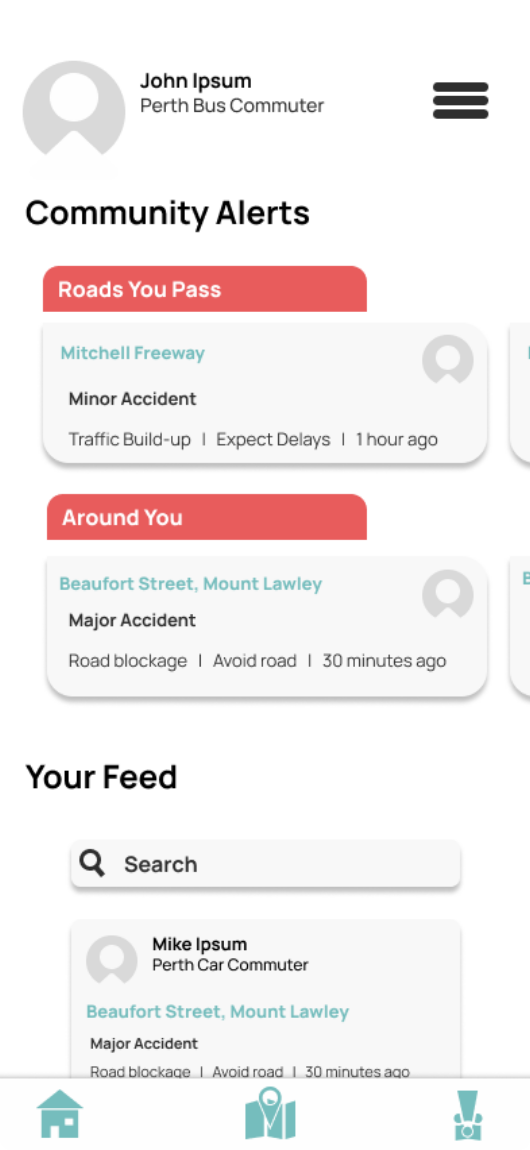
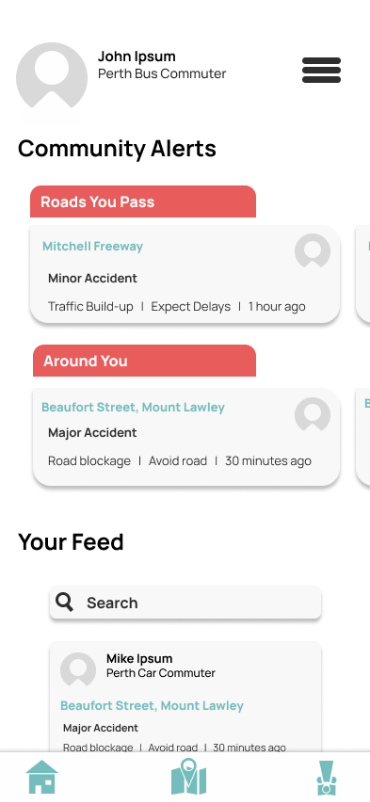
(Features based around avoiding these interruptions would be a good hook) - There is interest in an application that provides community sourced alerts
- Inconsistent live updates across transport systems
- No central hub for community-based commute information
- High stress caused by delays and uncertainty
Final designs